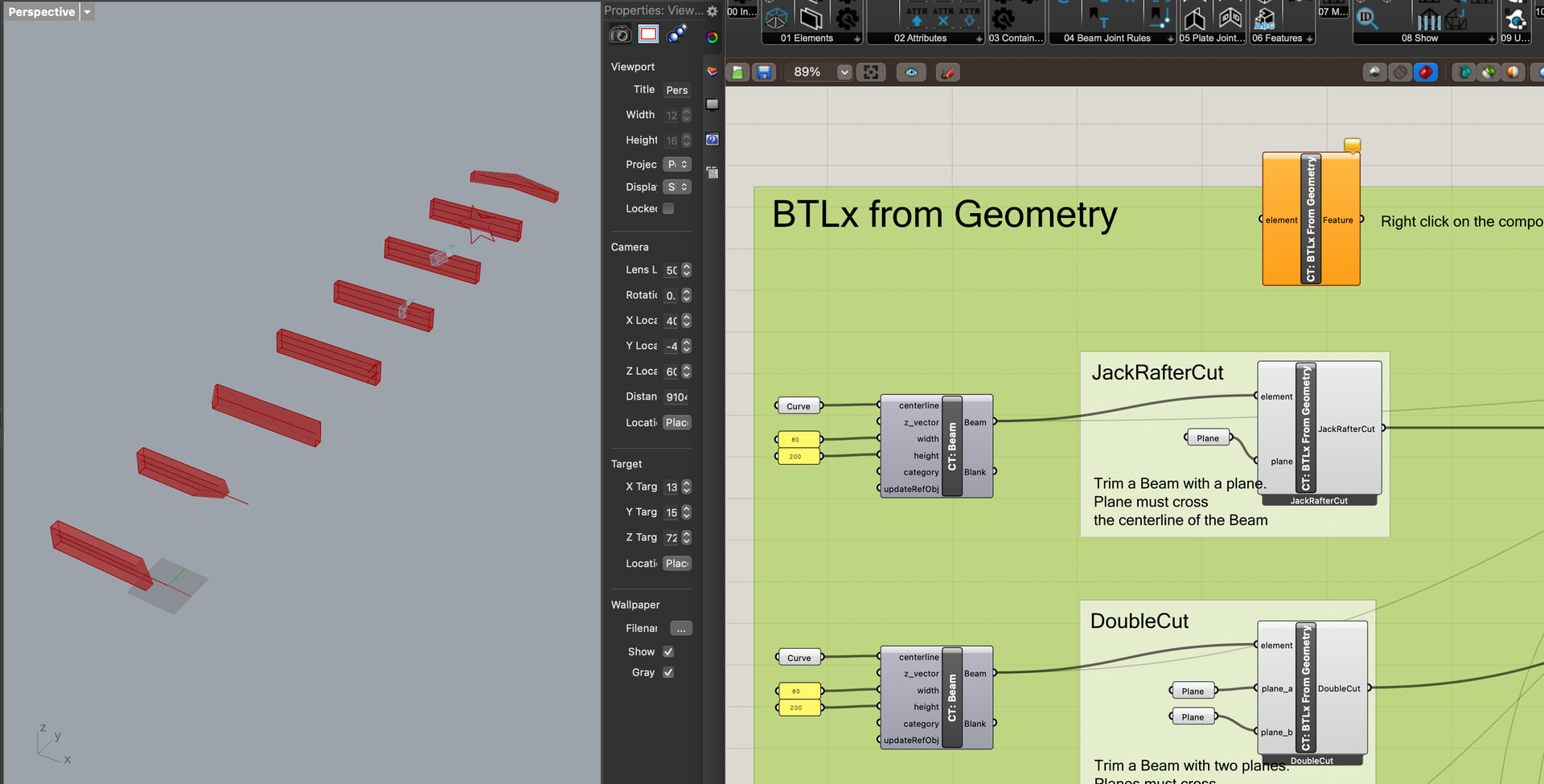
Im working in grasshopper with rhino 8, trying to figure out how to utilize compas’ BTLx features. For starters, while some of the compas test files work for me, the btlx one does not. Most of the components are labelled “old” and the error tooltip says “compas.scene module not found”.
I’m wondering if something about my compas installation is wrong - i have installed the compas module for python via the terminal and installed and verified my compas_timber installation from within grasshopper.
Any pointers would be greatly appreciated, thanks!
Indeed it sounds like an old Rhino7 installation of the COMPAS Timber plugin.
Before proceeding, you might want to remove the old components, otherwise they will keep appearing in Rhino. To do that go to the UserObjects folder and remove the COMPAS Timber .ghuser files.
To get the newest plugin:
Start a fresh Rhino8 instance
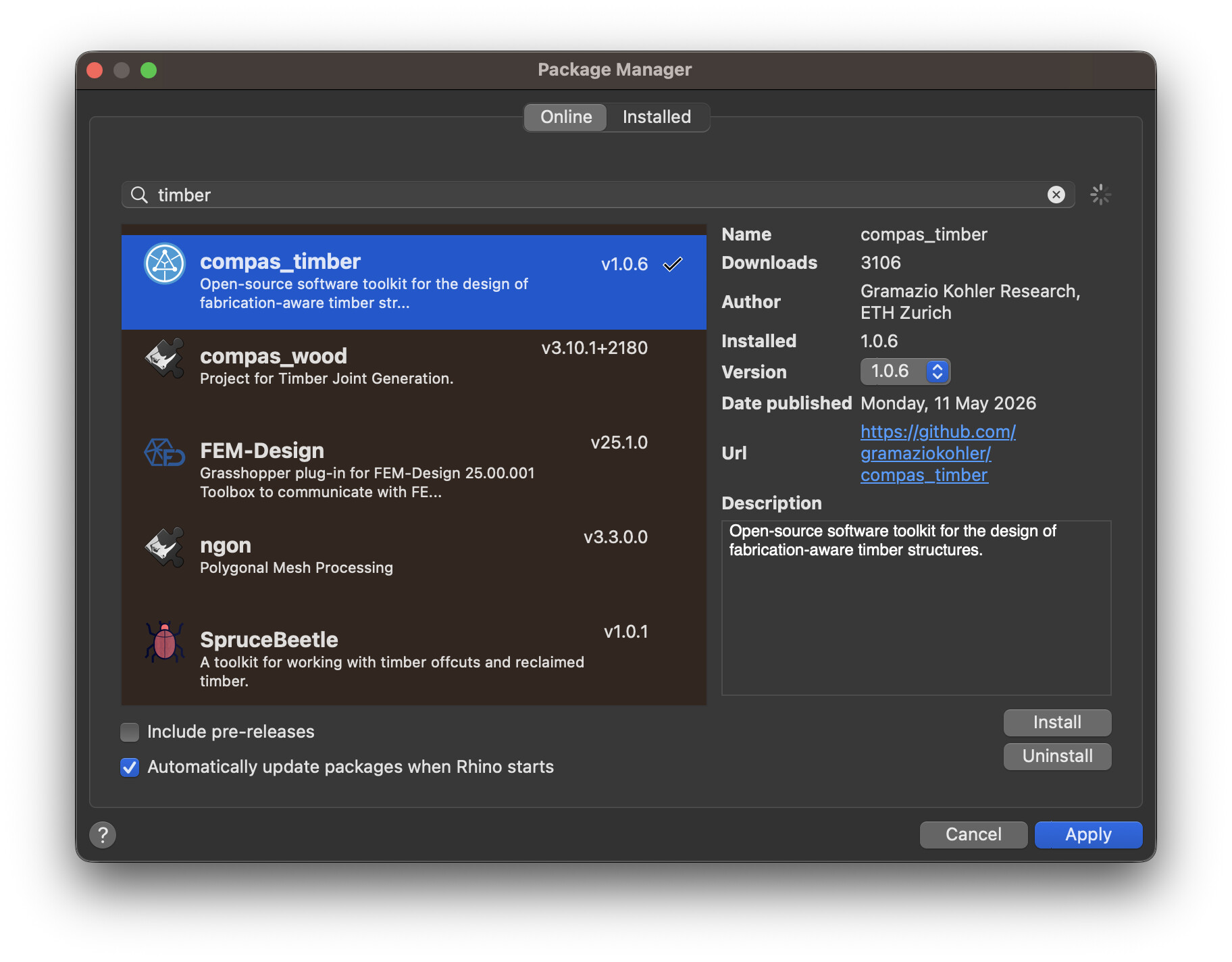
Install COMPAS Timber 1.0.6 via the Rhino Package Manager
Restart Rhino8
Open a fresh Grasshopper document and drag in the CT: Install component, this may take a minute
Remove the Install component
Now you can open any of the example files on our food4rhino page, for example the BTLx from geometry example file. Or directly start using the plugin by dragging in the components you need.